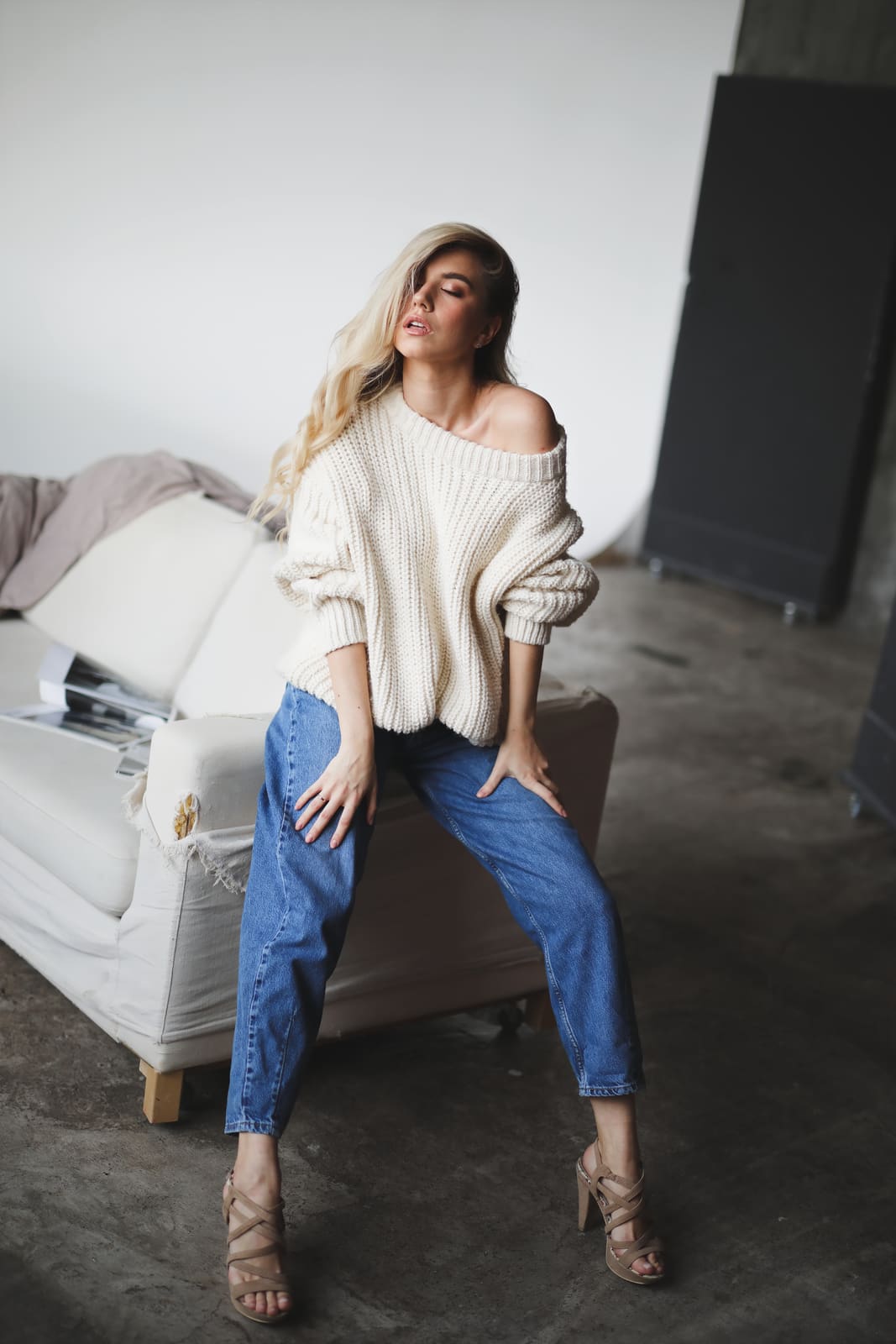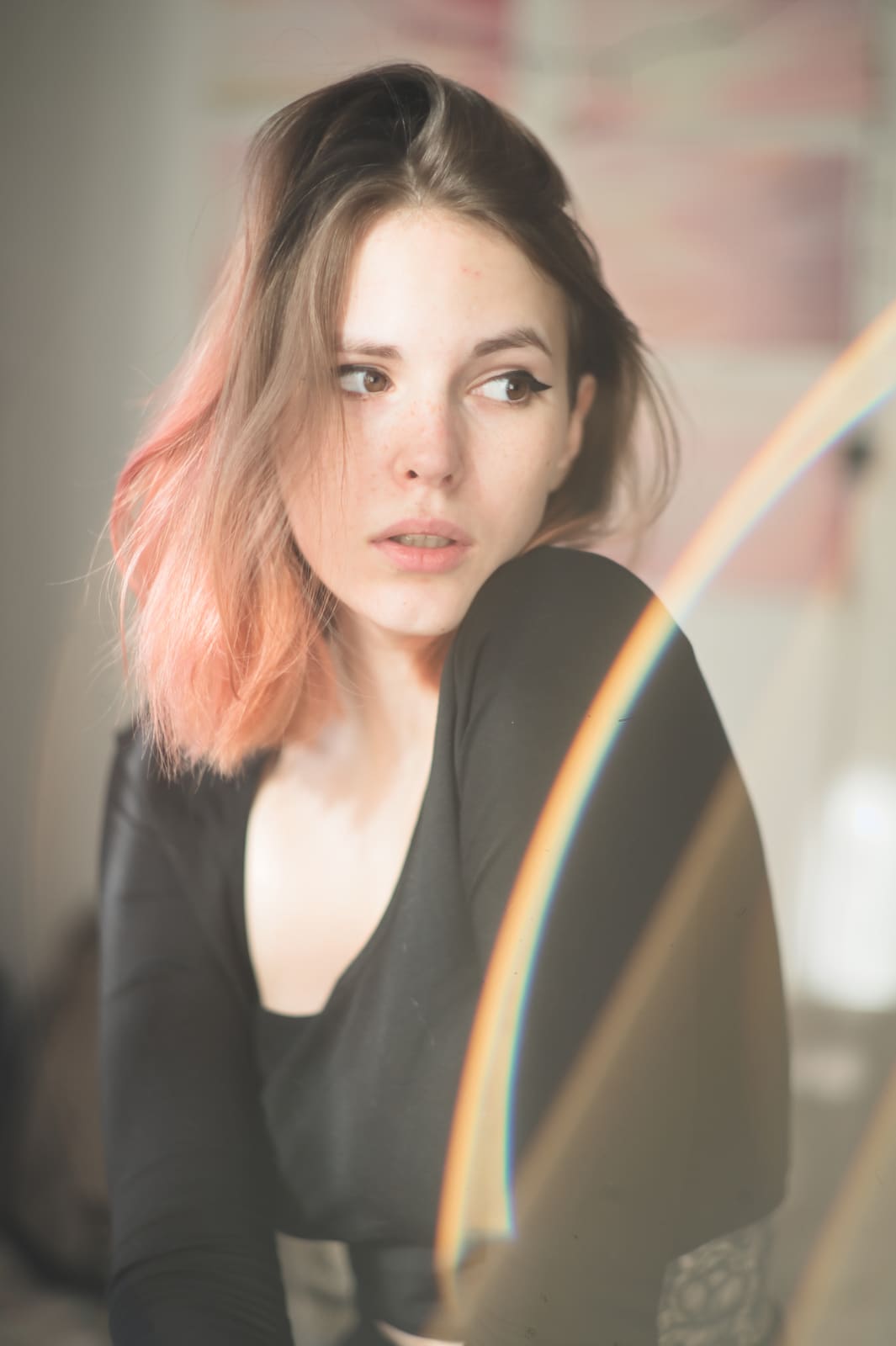

AI selection
Groups similar frames and surfaces the strongest keepers first.
Speed up your workflow. Keep your vision.
Cull, edit, and retouch offline AI for the heavy lifting, you for the look.

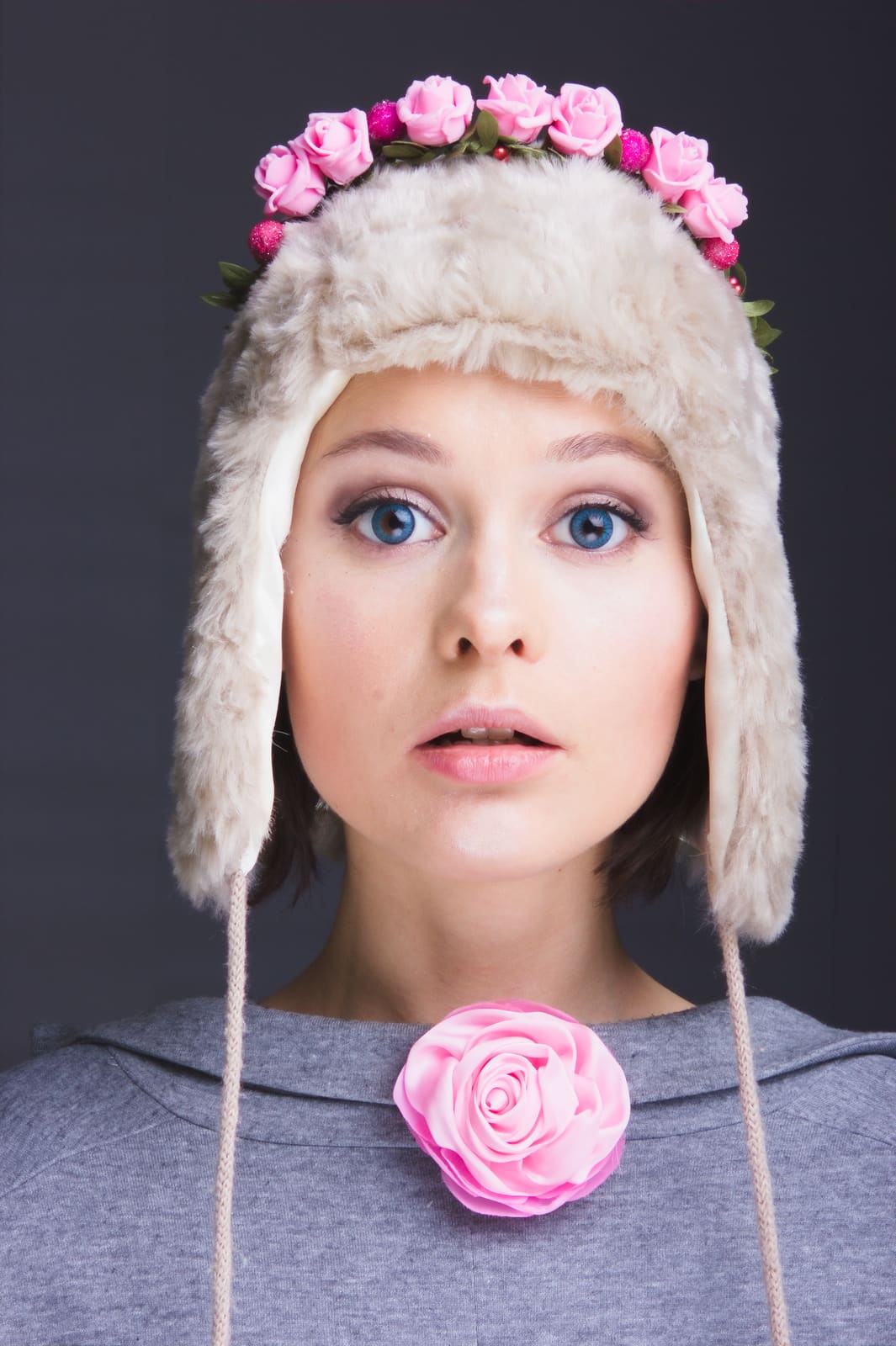
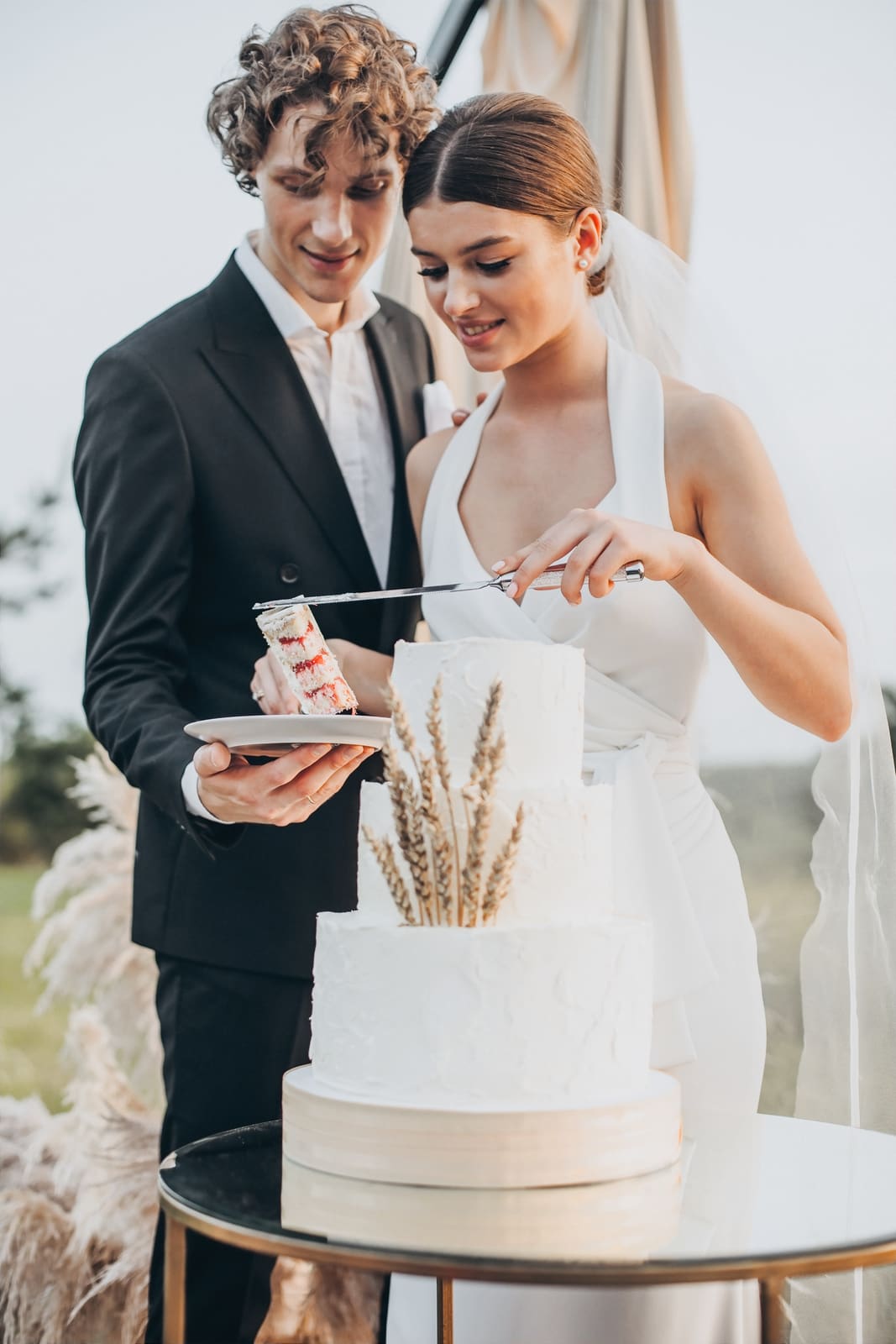
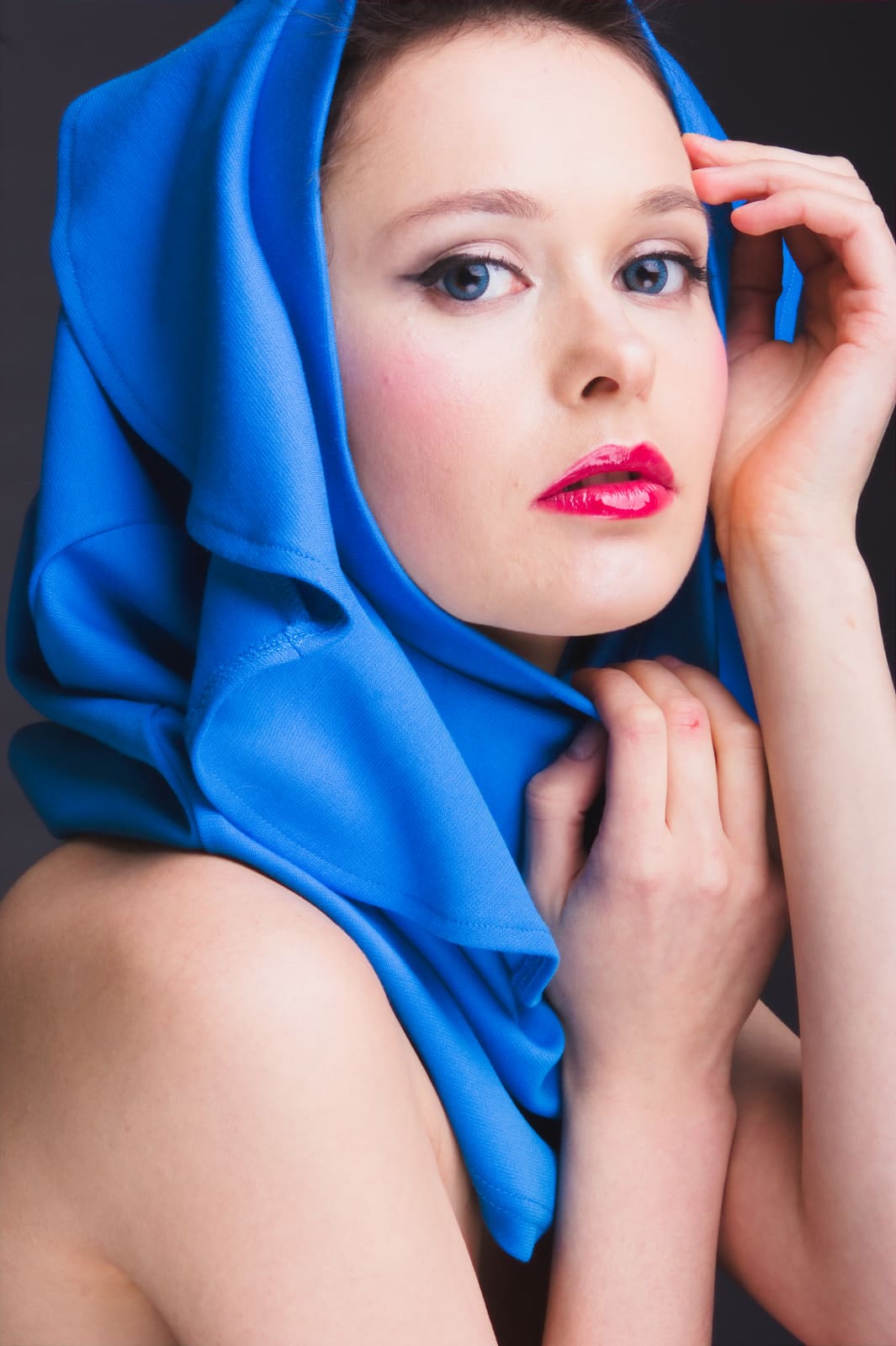
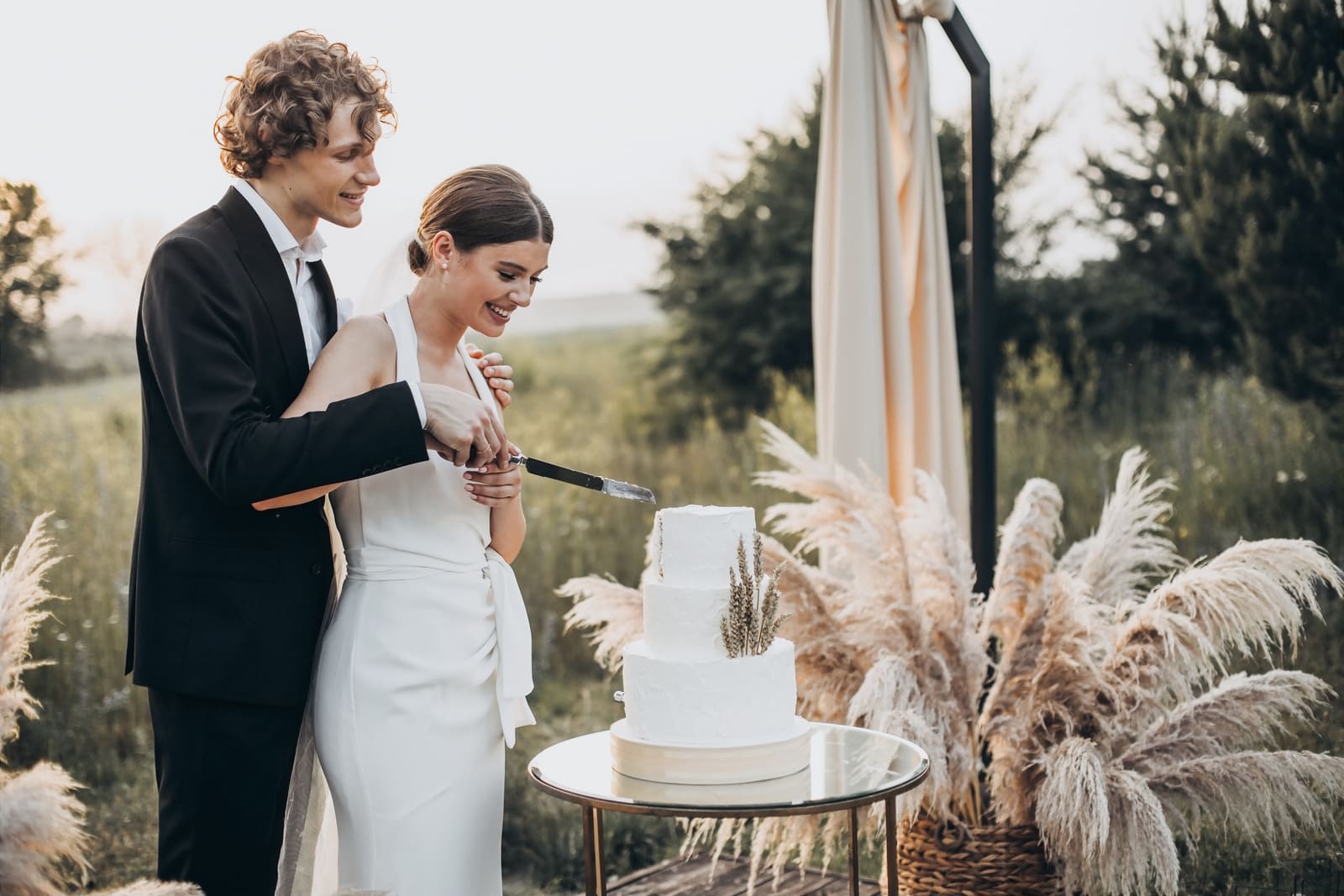
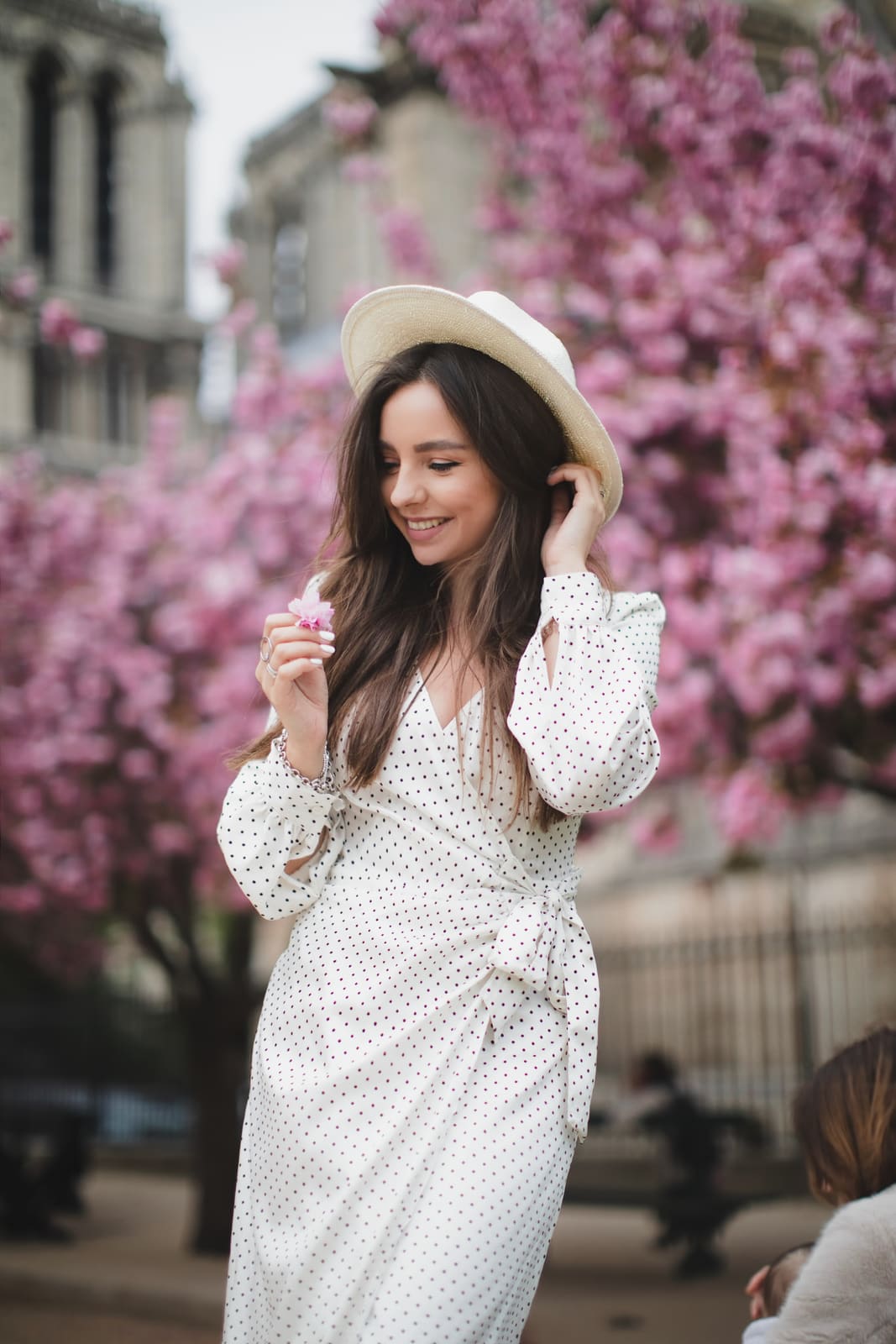

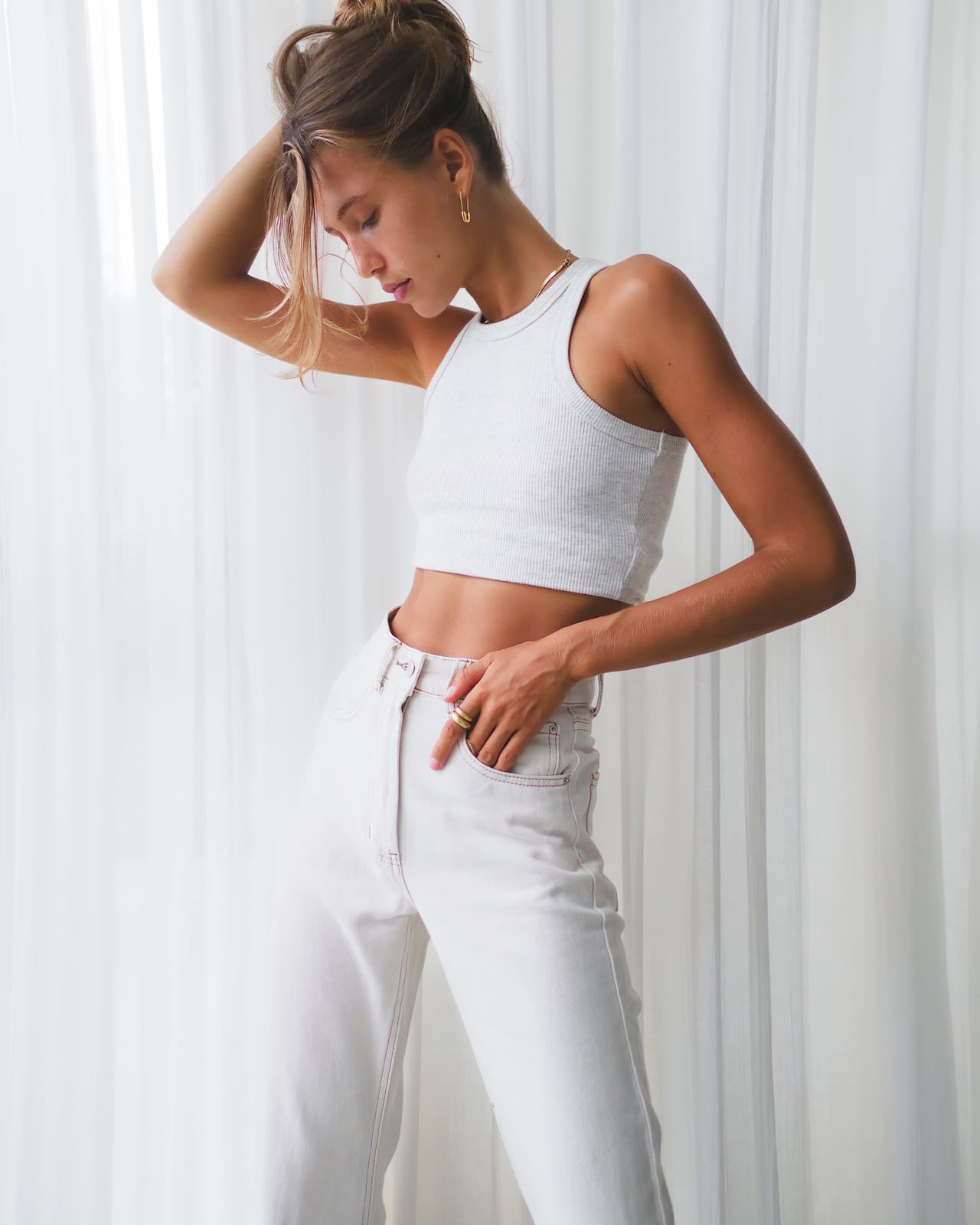
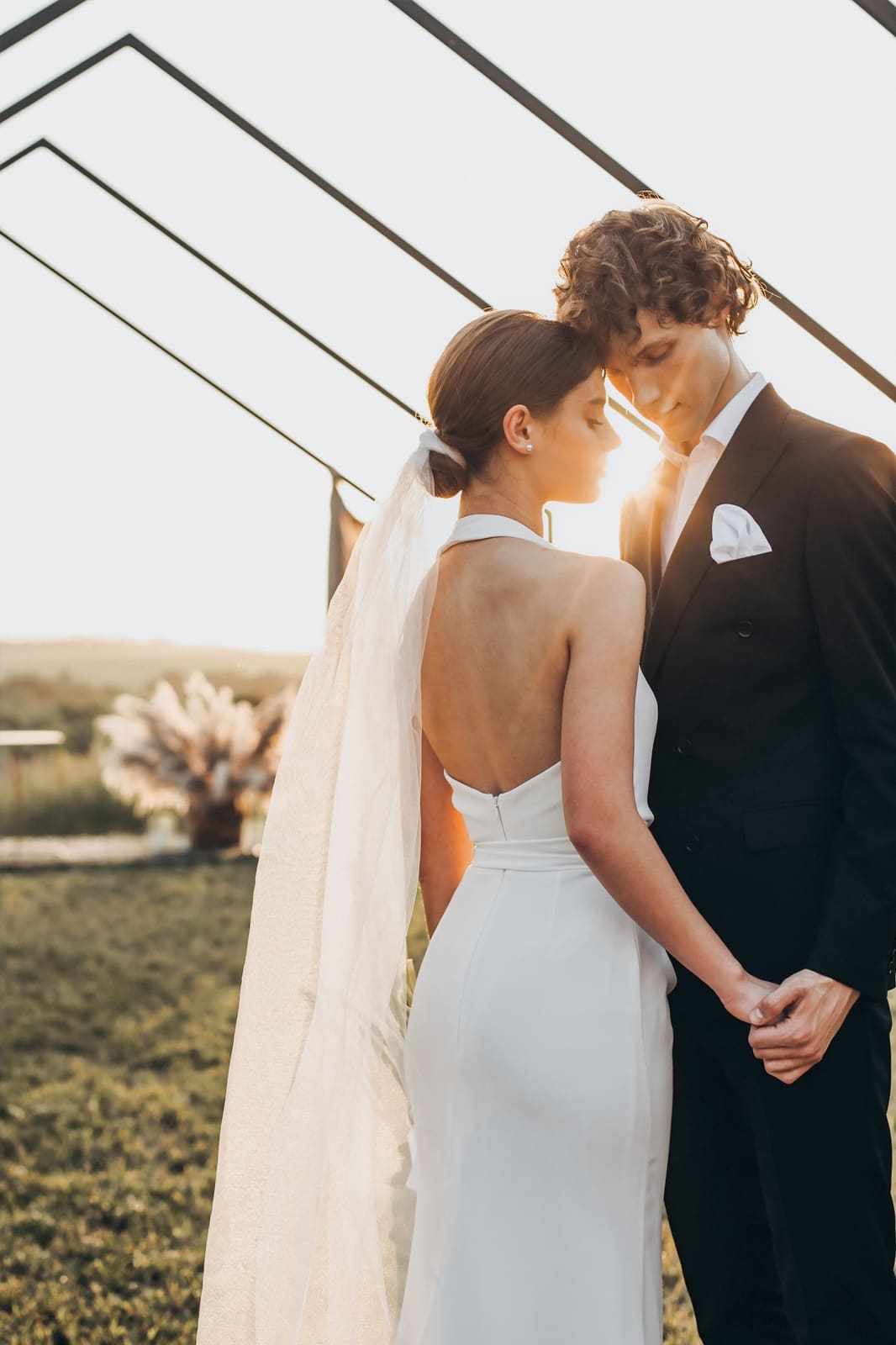
Groups similar frames and surfaces the strongest keepers first.
Blur, blinks, and near-duplicates drop out of the way.
Spot closed eyes and soft focus before you commit.
Flag, rate, and filter keepers without leaving the cull pass.
One profile, tuned shot-to-shot — the album stays coherent.
Exposure, WB, and presence — graphite UI, teal feedback.
Geometry tools that stay in the same edit flow.
Skin and eyes without leaving the album workflow.
Masks and brushes where the look needs a finishing pass.
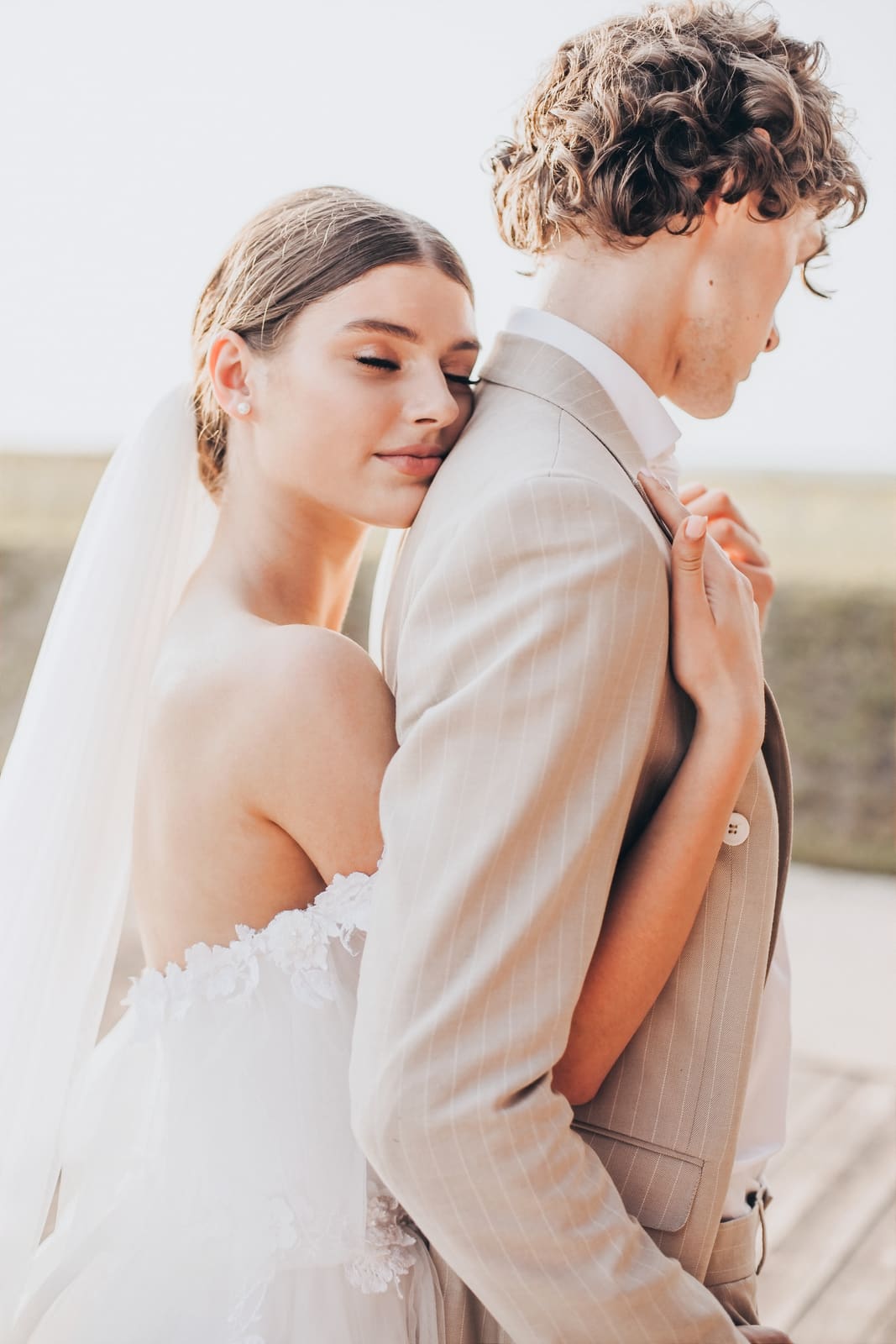
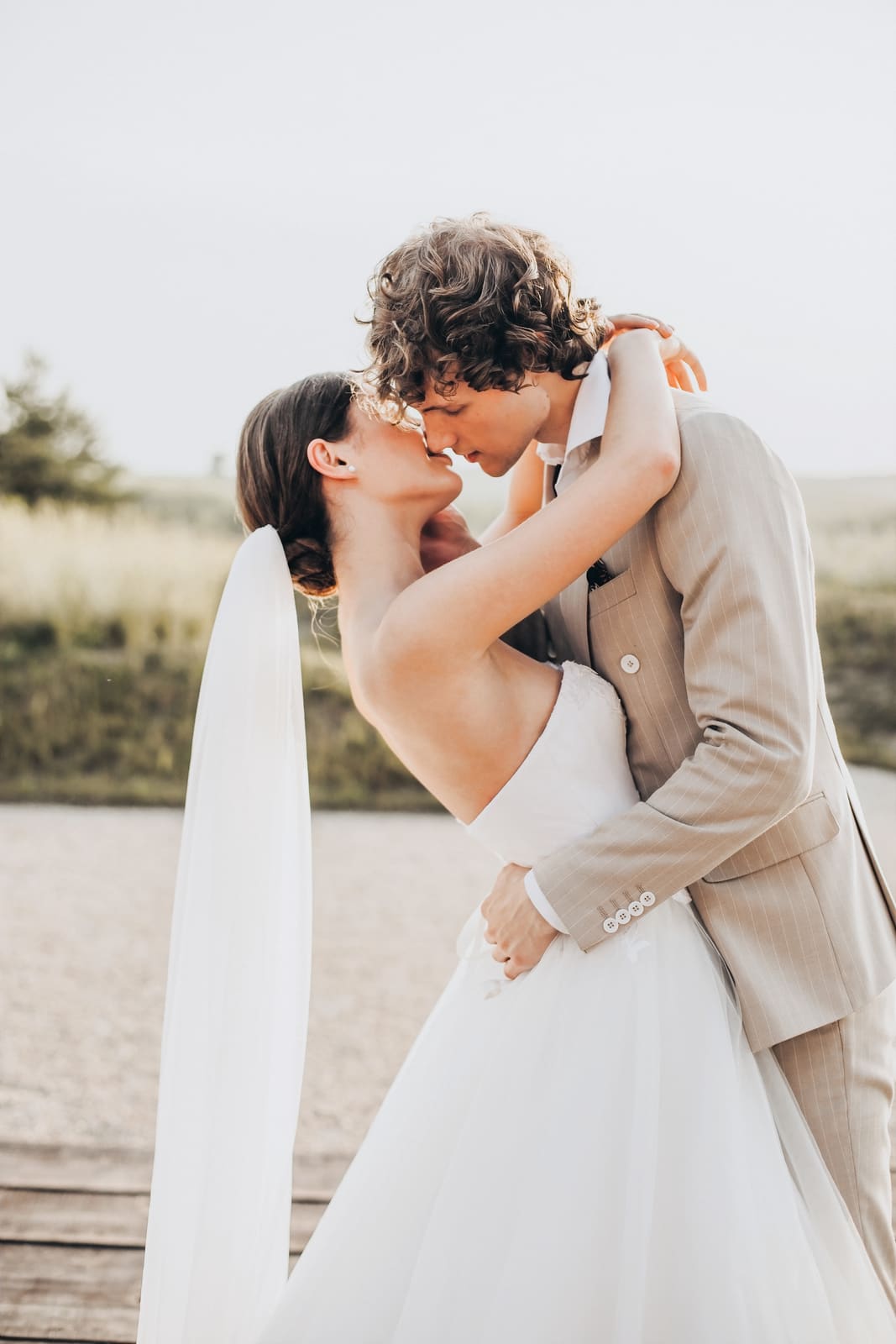
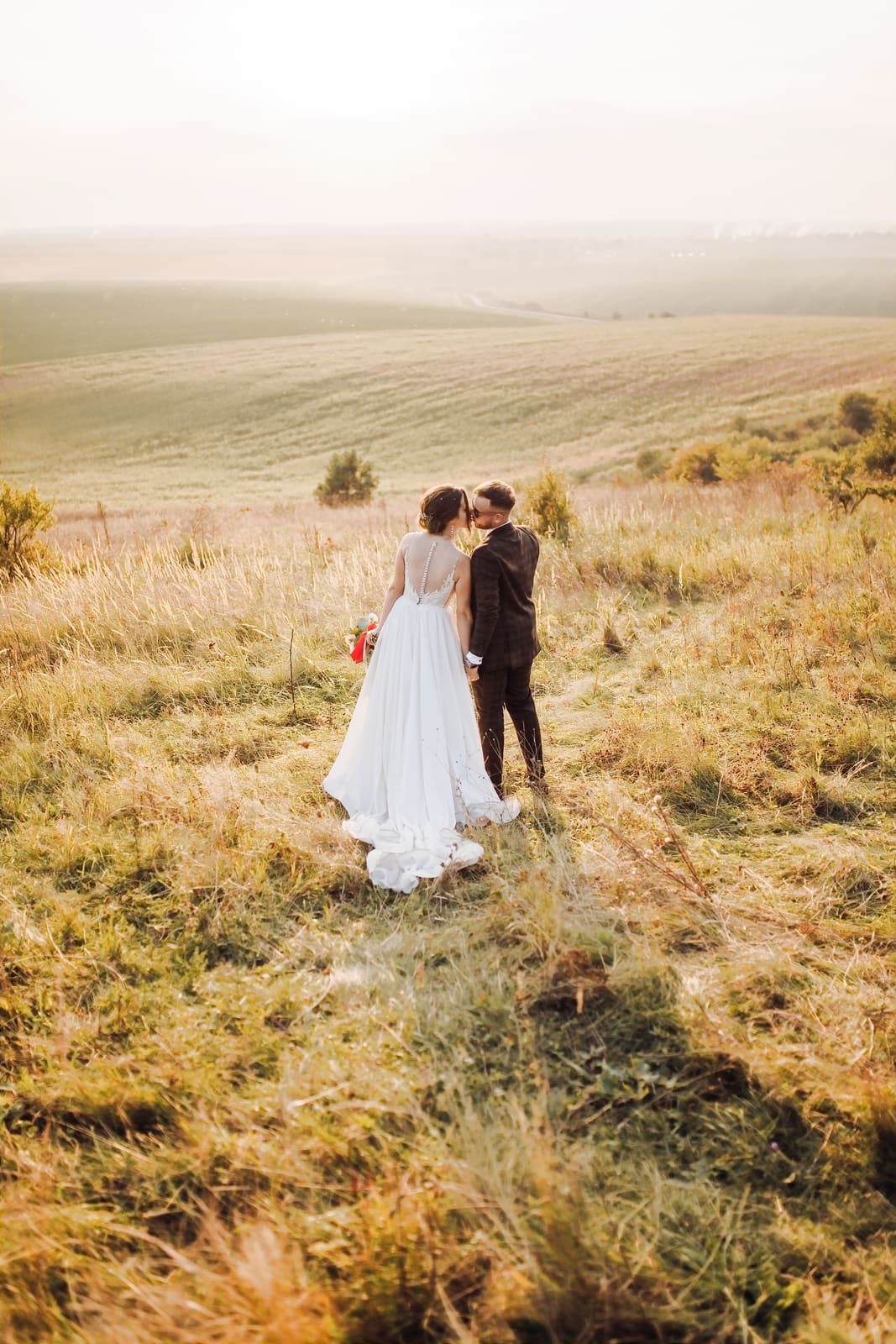
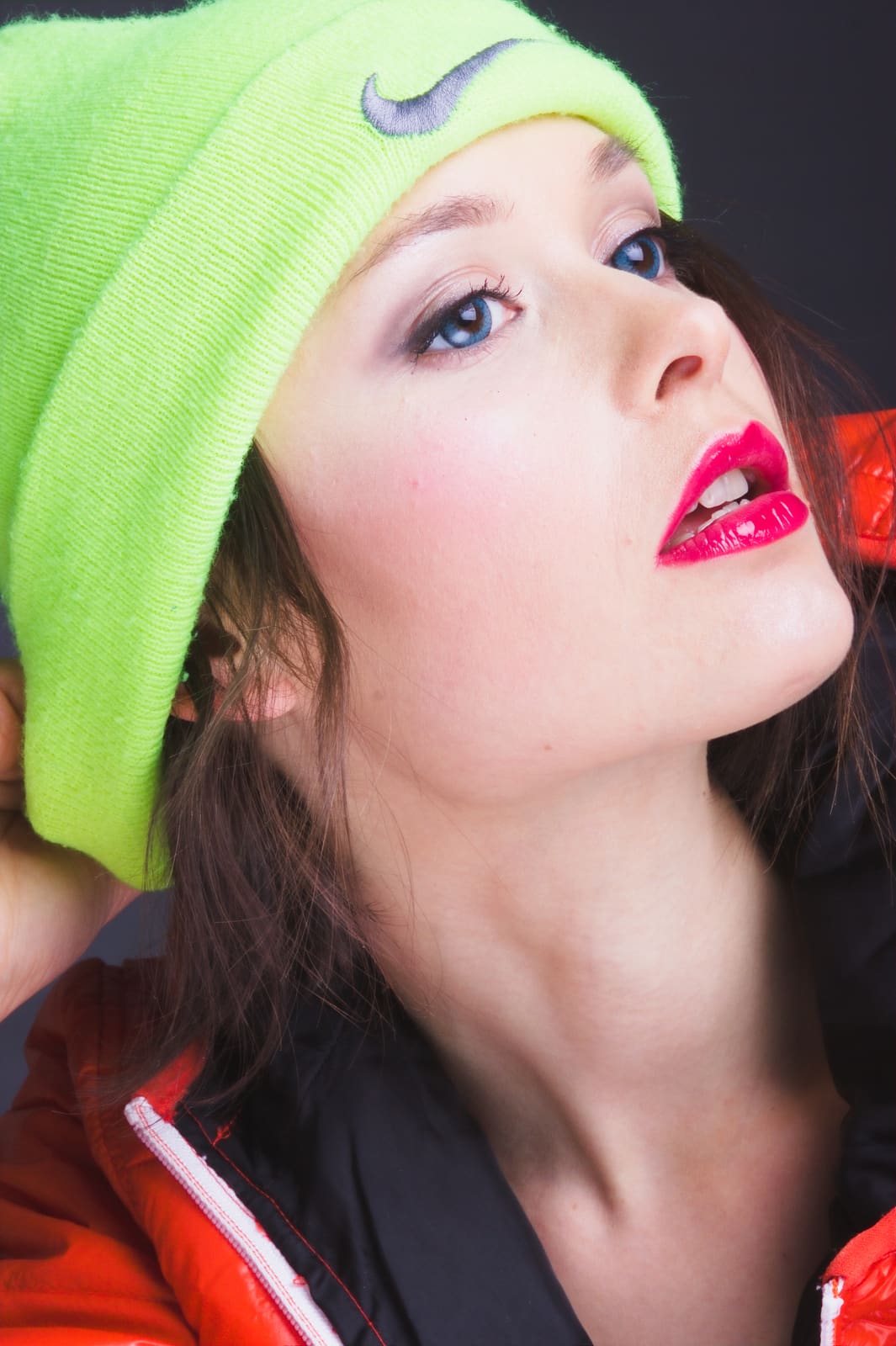
From wedding albums to studio heads — retouch stays inside Pictonal.
Project status
Pictonal is a cross-platform desktop app for Windows, macOS, and Linux. Import → Cull → Edit → Retouch, offline — built for photographers who want speed without giving up the look.